

Governance for Enterprise Apps
AI accelerates app development. engomo sets the guidelines.
With engomo, companies use Agentic AI to rapidly deploy integrated enterprise apps—within a centrally managed platform framework. Reusable components, predefined integrations, roles and permissions, as well as versioning and lifecycle management, ensure secure, maintainable, and scalable applications.

Agentic AI accelerates the development of custom applications. At the same time, this increases the risk of uncontrolled app proliferation, shadow IT, and application landscapes that are difficult to manage. This is why clear guidelines for development, integration, and operation are essential—especially for business-critical applications. With engomo as an industrial application platform, companies can leverage the speed of AI development while staying within centrally defined guidelines and standards.
More Enterprise Features

Standards & Reusability
Predefined low-code building blocks, workflows, and reusable components ensure that existing functions and logic can be used across applications, rather than having to be recreated over and over again.
Controlled Integrations & Access
Integrations with ERP systems, databases, APIs, and other systems are provided centrally. Roles and permissions determine which applications and users can access systems and functions.
Versioning & Lifecycle
Changes are developed and tested in defined environments, versioned, and deployed to production in a controlled manner. This ensures that it is always clear which version of an application is in use and where.
Agentic Development with a Defined Framework
The engomo App-Building Agent operates within the platform's architecture and uses predefined components, data sources, integrations, and workflows to build and extend applications.



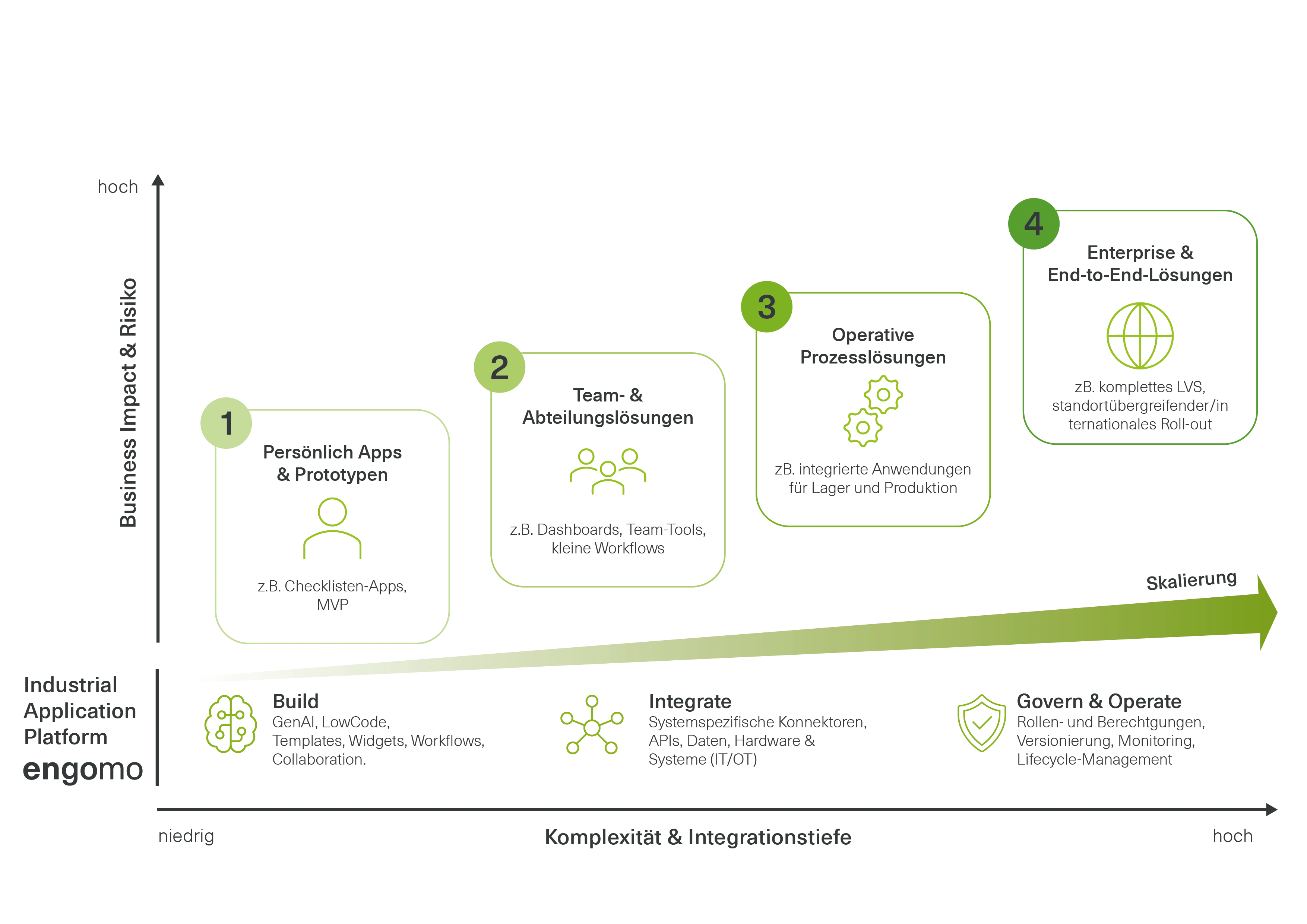
As an application’s usage and complexity increase, so do the requirements for integration, permissions, versioning, and operations. engomo provides a common platform foundation for this—from the first use case to a business-critical enterprise solution.
Unified App Infrastructure for Locations and Departments
Centralized Management of Users, Permissions, and Integrations
Reusable components
Multilingual Support for International Rollouts
Designed to accommodate growing user numbers and data volumes
Business units understand the processes and requirements, while IT is responsible for architecture, integration, and operations. engomo brings both sides together in application development.
Specialized departments
contribute requirements and process knowledge directly to the development process and can review and help shape applications at an early stage.
Agentic AI
helps translate business requirements into enterprise apps more quickly and further develop applications within the defined platform structures.
The IT department
centrally manages integrations, data structures, roles, and permissions, as well as versioning and deployment.
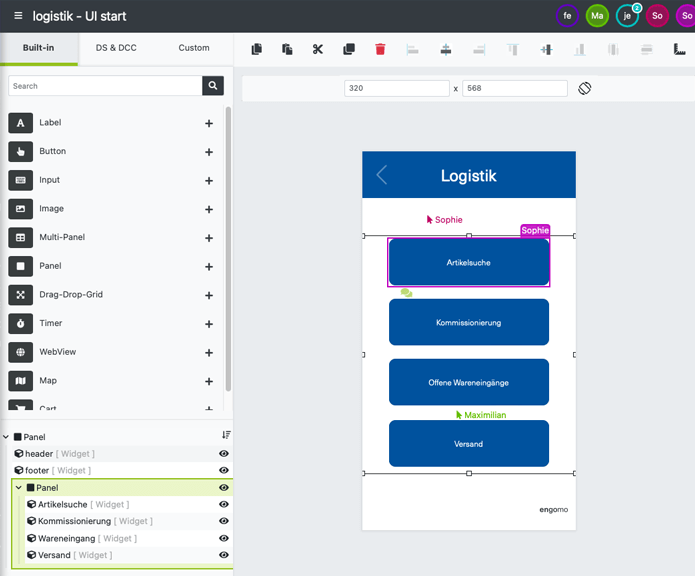
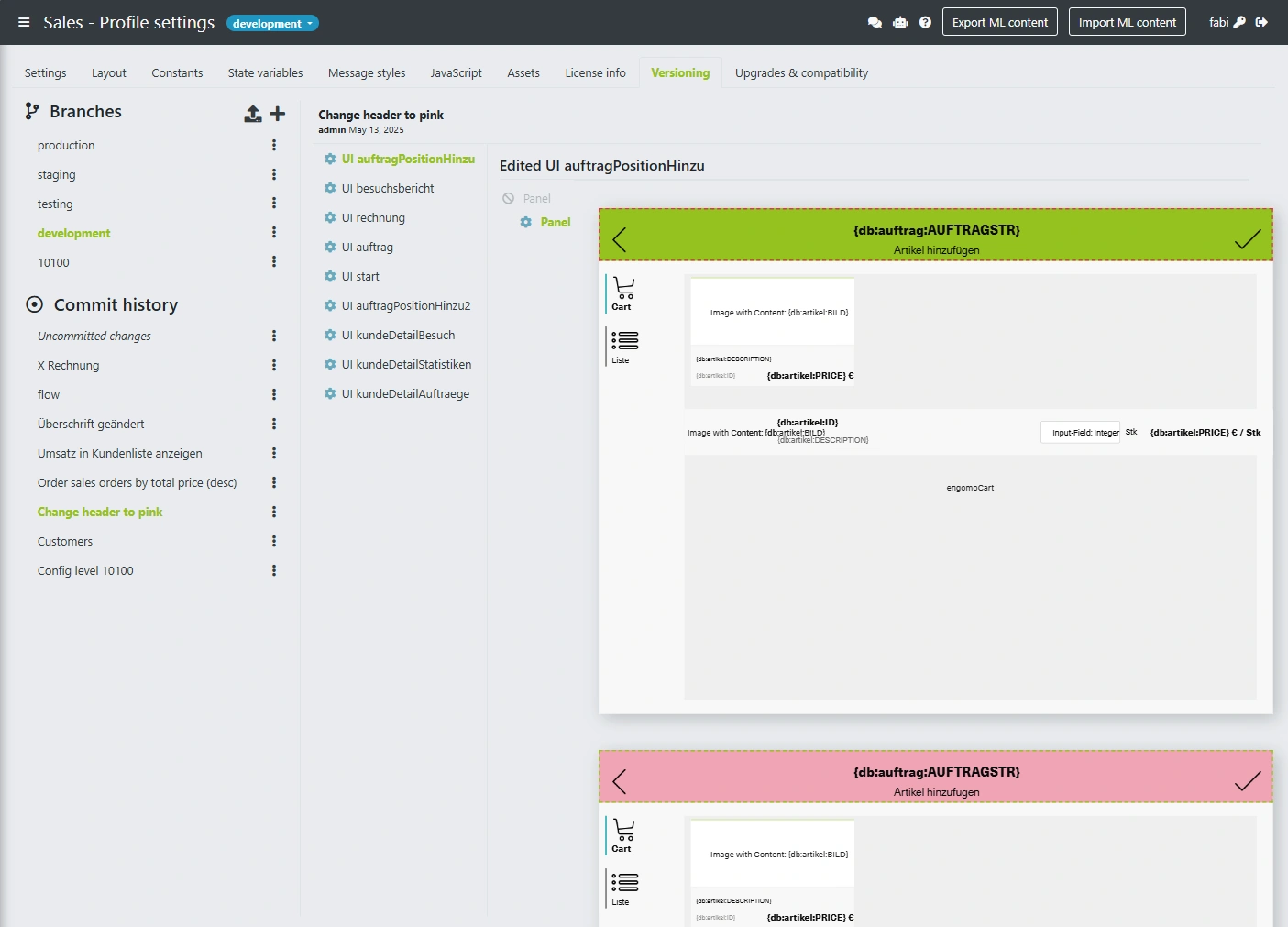
New features and AI-generated changes are not immediately put into production. Thanks to centralized version control, they can be developed, tested, and versioned before being deployed in a controlled manner.
Development, testing & production stages within a single app profile
Three-step workflow: Save, Commit, Deploy
Visual comparison & graphical merging of branches including conflict resolution
Transparent version history for compliance, governance, and audit-proof documentation
Enterprise apps access business-critical data, processes, and systems. With engomo, companies can centrally manage who is allowed to access which applications and functions—all integrated into existing IT and identity structures.
Role-Based Access and Authorization Concepts
Centralized Management of Users and Devices
Integration with existing directory and identity systems, such as Active Directory, Entra ID, or Keycloak
Support for established authentication standards such as LDAP and OpenID Connect
Can be expanded to include additional authentication methods
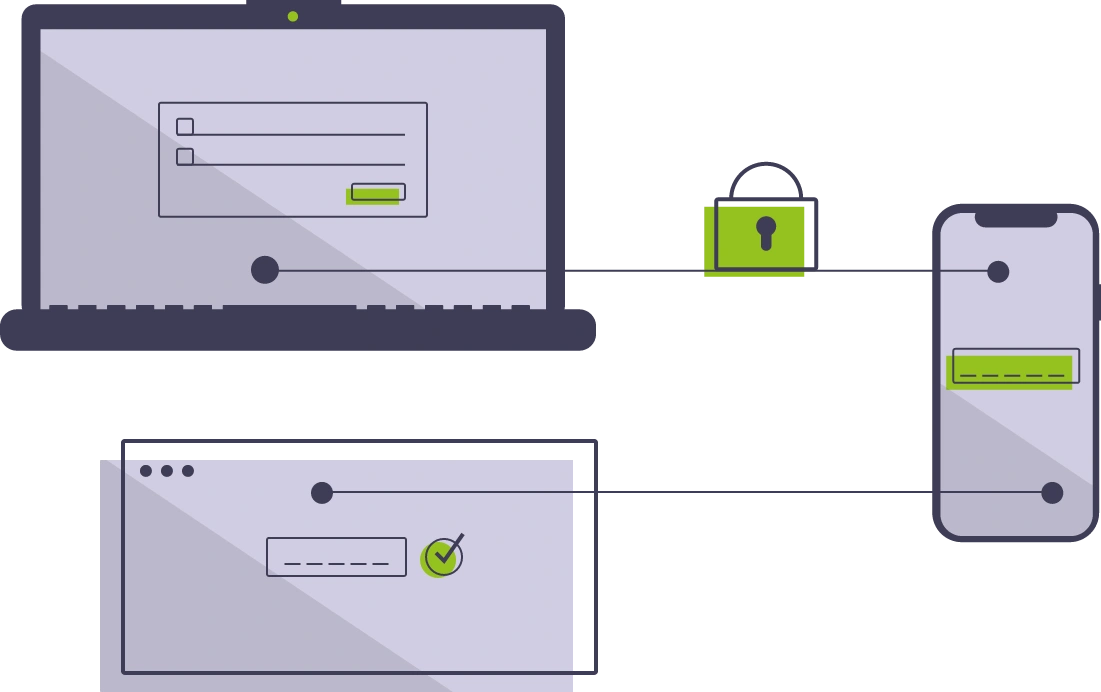
AI-powered app building is just the beginning. With engomo, you can create complete enterprise apps that include process logic, integration with existing system landscapes, and deployment on the end devices required for each process.
Workflows & Business Logic
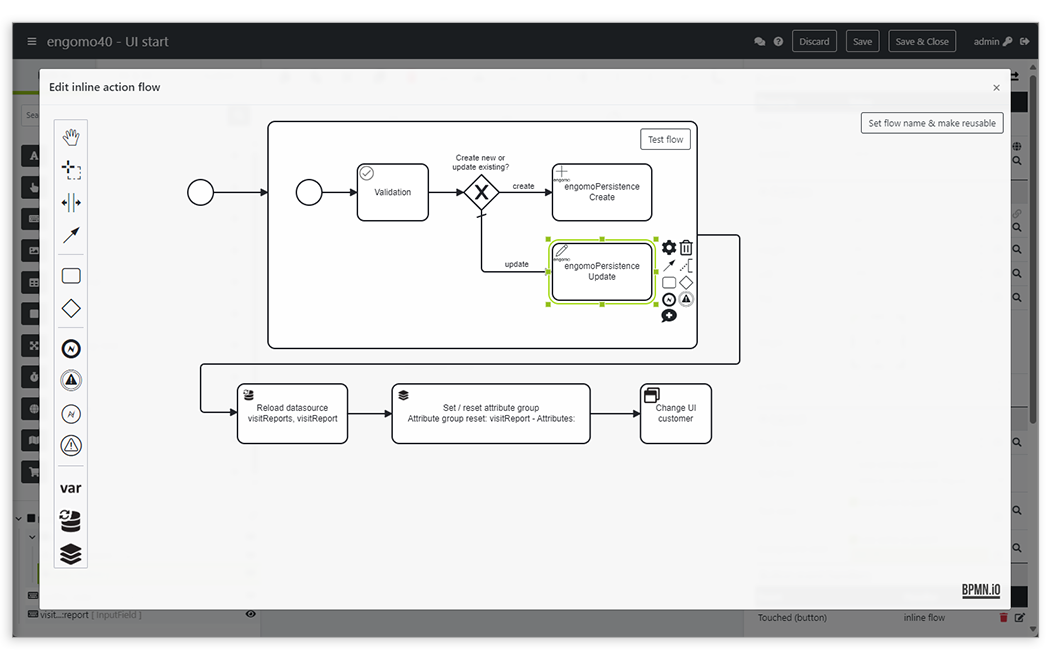
Map business logic and process flows directly within your applications. With the engomo Workflow Engine, you can visually model and reuse multi-step processes, validations, decisions, and automated actions using BPMN.
Enterprise & Industrial Integration
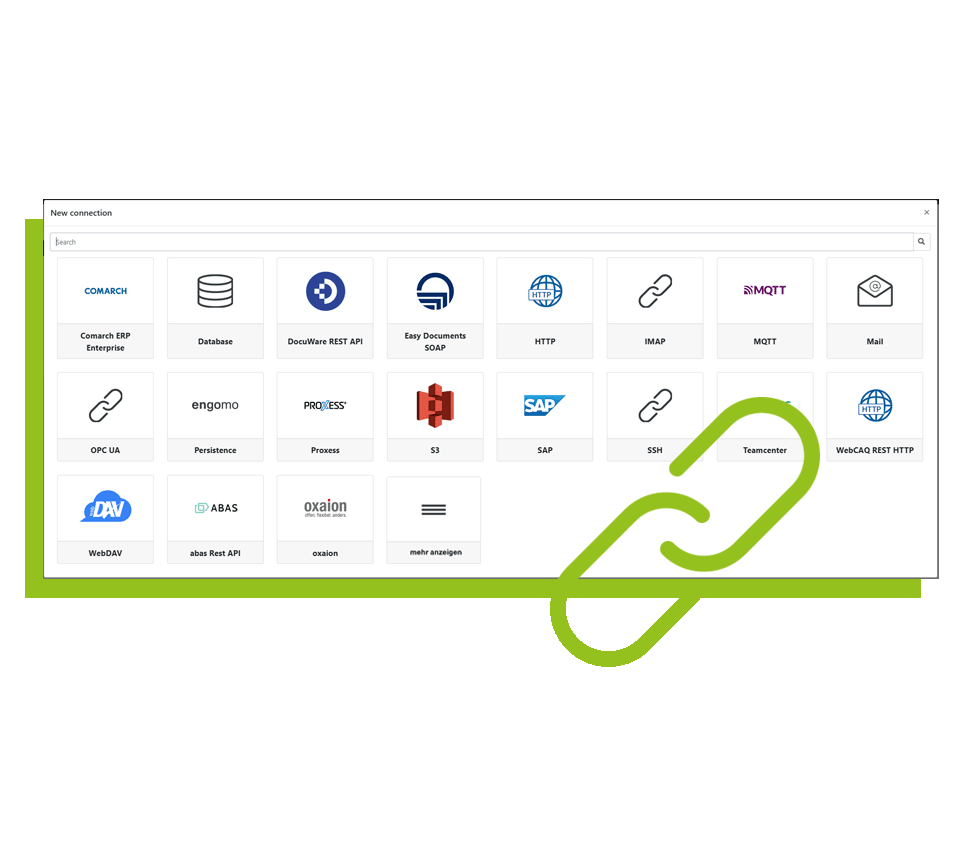
Connect your apps directly to your existing IT and system infrastructure. Using system-specific connectors and standard interfaces, engomo integrates ERP, DMS, WMS, and other enterprise systems, as well as databases, machines, equipment, and hardware.
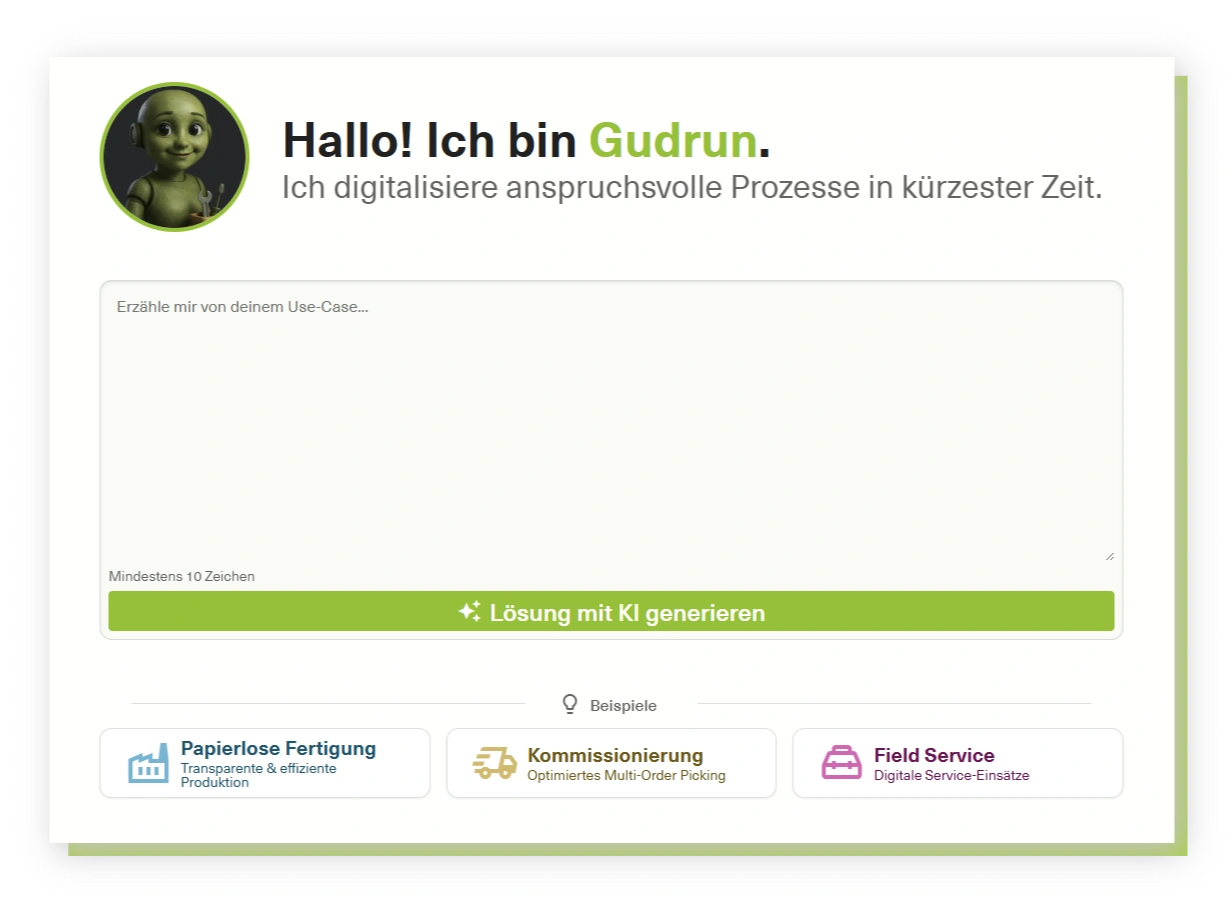
AI-Powered App Development
Build and develop enterprise apps faster with Agentic AI. The engomo App-Building Agent provides support for user interfaces, data structures, process logic, and integrations—all within the platform’s defined components, integrations, and governance structures.
engomo enables companies to create tailored, integrated business apps for every stage of the value chain — from process-driven solutions to portals and B2B shops.

Production
Production control, shop floor data collection, machine control – Industry 4.0 via app.

Warehouse & Logistics
Order picking, inventory, and goods movements – control warehouse operations efficiently via app.

Quality Management
Inspection orders, inspection drawings, and reports – efficient, paperless quality management via app.

Sales & mobile CRM
Customer data, order entry, visit reports – information available anytime, anywhere.

Customer Service
Appointments, documents, spare parts – all information and data for perfect customer service, always at hand on the go.

Portals and B2B webshops
Portals and B2B webshops – central tools for efficient business processes and closer customer relationships.
Book your 35-minute live demo
Experience the engomo Platform
Examples of Custom App Solutions
Answers to your specific questions

First name
*
Last name
*
Company
*
Business email
*
Phone number
*
Which topics are particularly important to you?