
Custom Apps for Your Comarch ERP Enterprise
If you think custom processes in Comarch, you should think engomo. With engomo, you benefit from deep process know-how and flexible application development based on low-code, combined with extensive Comarch ERP expertise. Create custom apps that perfectly map your business processes and are seamlessly built on top of your Comarch ERP Enterprise.
Comarch ERP & engomo – The Perfect Match
engomo does not replace any Comarch module. Instead, it extends your existing processes exactly where time is lost in daily operations. With the engomo low-code platform, you can build tailor-made process solutions in just a few days – fully integrated into your Comarch ERP.

Seamless integration via the Comarch ERP Enterprise plugin
Custom process mapping for warehouse, shipping, production, sales, and service
Offline availability for optimal use anytime and anywhere
AI-powered support during app creation and within applications
Expandable with DMS, MES, shop systems, or financial accounting via standard connectors
BENEFITS
Seamless Integration
engomo combines ease of use with maximum flexibility, enabling enterprise apps to be built in the shortest possible time using drag & drop, functional building blocks, and templates.
For All Business Areas
With engomo low-code, custom applications for Comarch ERP Enterprise can be created for any business area in days instead of weeks or months.
Versioning
With engomo, you always maintain full control over changes to your apps. Clear versioning allows updates to be safely tested, rolled out, and quickly rolled back if needed – ensuring maximum stability and transparency throughout the entire development process.
One-Step Data Integration
Our promise: No other enterprise app platform enables easier integration of your systems and data sources than engomo. With our specialized Comarch ERP Enterprise plugins, apps are seamlessly integrated.
Access and visualize
Automate your business processes with flexible engomo workflows. Using drag & drop, workflows can be easily modeled, controlled, and optimized – enabling end-to-end digital processes and more efficient operations across your organization.
Intelligent AI-Powered Features
Leverage artificial intelligence during application development and directly within your engomo apps. Whether intelligent data analysis, automated decision-making, or smart assistant features – AI ensures greater efficiency, better decisions, and future-proof digital processes.
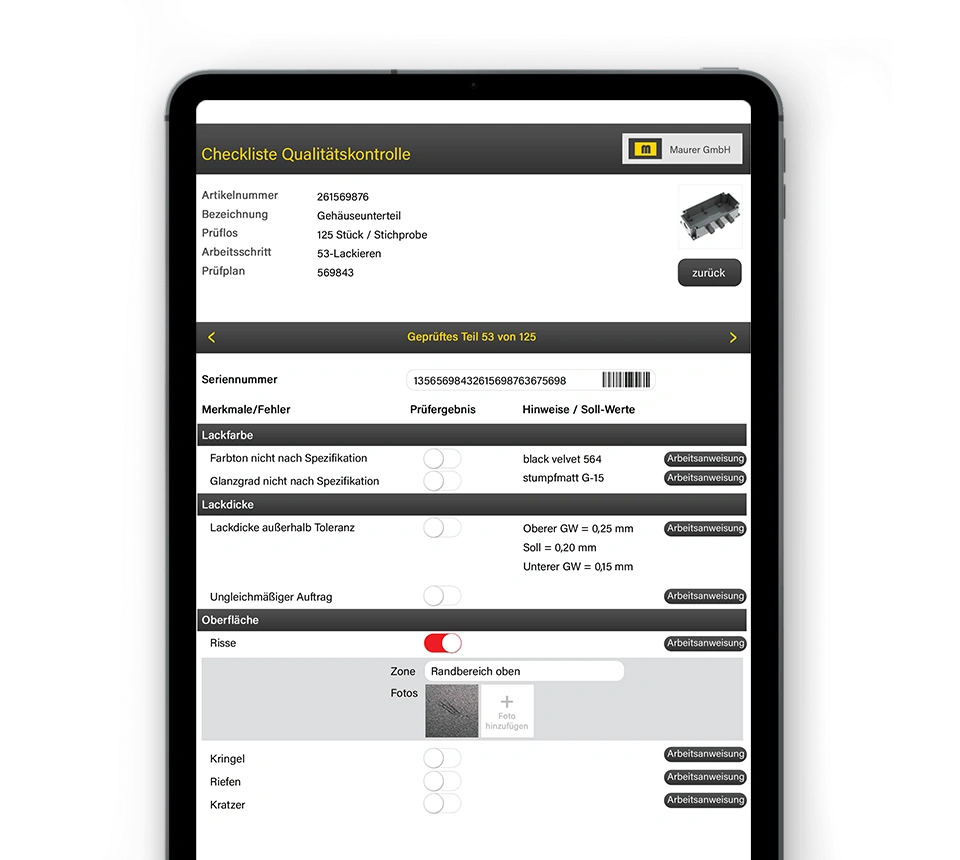
With engomo, you digitalize production and quality assurance processes based on Comarch ERP Enterprise – directly on the shopfloor, fully mobile, and seamlessly integrated into your manufacturing and quality workflows.
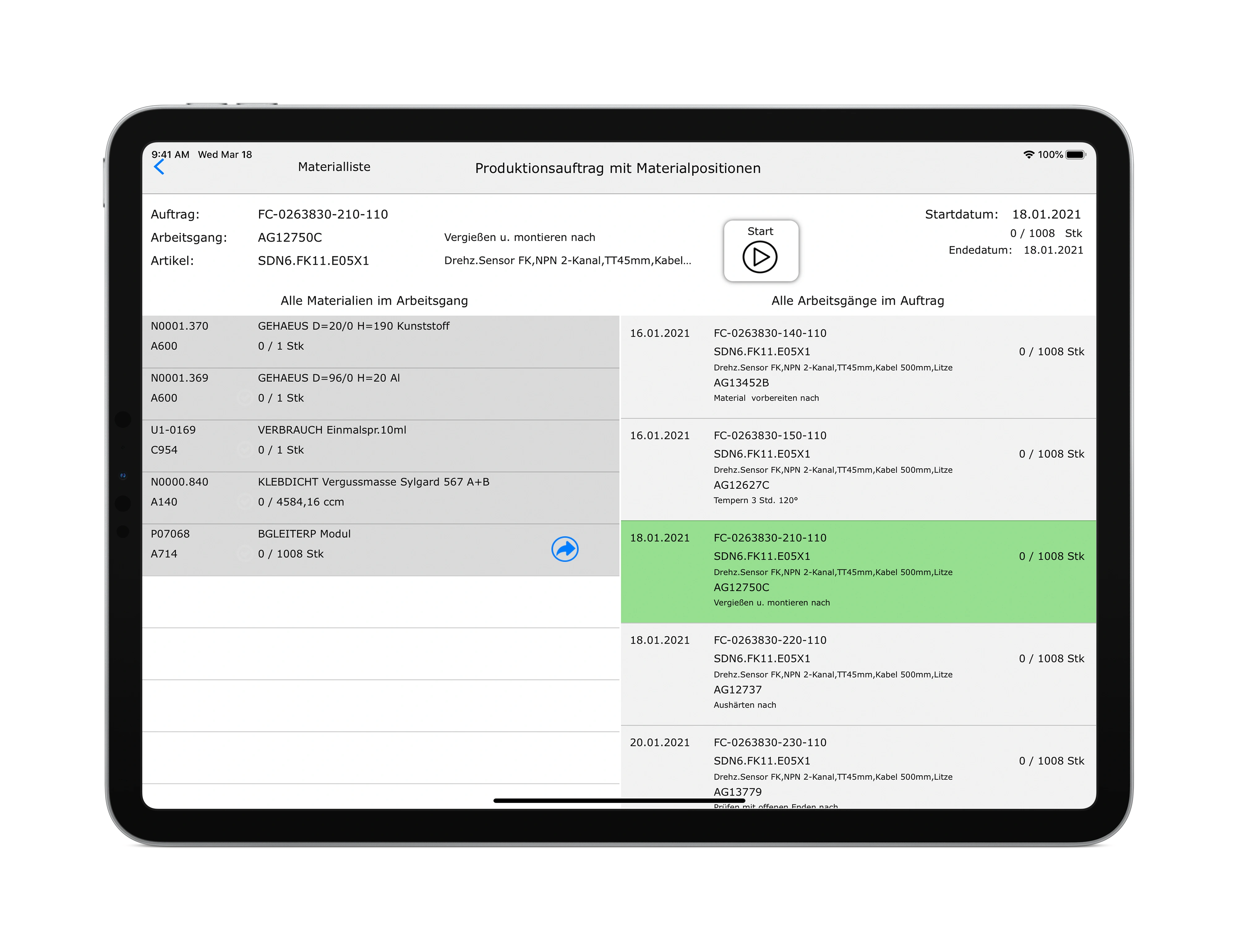
Mobile production data acquisition (PDA/BDE) and access to production orders, feedback, and data capture directly at the workstation
View production orders and submit feedback easily, mobile, and in real time
Document quality inspections on mobile devices, including photos, comments, and measurement values
Capture defects, inspection orders, and material movements seamlessly and synchronize them automatically with the ERP system
Success Story
Digital PDA at RHEINTACHO
RHEINTACHO Messtechnik GmbH replaced paper-based production protocols with a fully digital, mobile PDA and batch tracking solution – directly integrated into Comarch ERP Enterprise.
BEST PRACTICE
Customer
RHEINTACHO Messtechnik GmbH
Project
Digital batch tracking and mobile PDA based on engomo + Comarch ERP Enterprise
Result
High-performance, user-friendly, and process-optimized apps. Employees record batches, times, and materials directly via the app – error-free, in real time, and with direct feedback to Comarch ERP Enterprise.
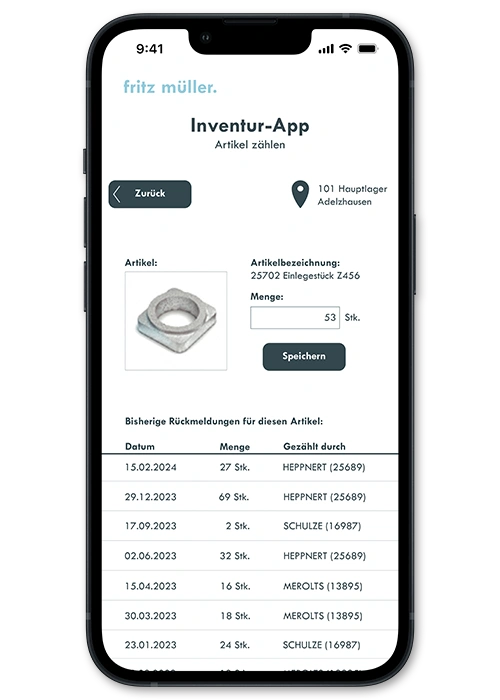
With engomo, you digitalize your warehouse, logistics, and distribution processes seamlessly in combination with Comarch ERP Enterprise.
Mobile posting of goods receipts, stock transfers, and picking processes
Batch tracking and inventory management directly on the device
Integrated barcode, RFID, and NFC scanners
Offline usage for full process reliability
aster and error-free inventory counts through guided mobile counting processes
Success Story
Branch & Intralogistics at Läderach
Individual, demand-driven, and process-oriented: The Swiss chocolatier Läderach uses integrated engomo solutions to implement optimized, end-to-end process flows in branch and intralogistics.
BEST PRACTICE
Customer
Läderach AG
Project
Integrated solutions for optimized process flows in branch and intralogistics
Result
High-performance, user-friendly, and process-optimized apps seamlessly built on Comarch ERP Enterprise. A branch app accelerates replenishment processes and provides all relevant product information. In the central warehouse, comprehensive mobile data capture (MDC) ensures optimized, user-friendly workflows. In addition, Läderach uses a custom gastro app for Café in House operations.
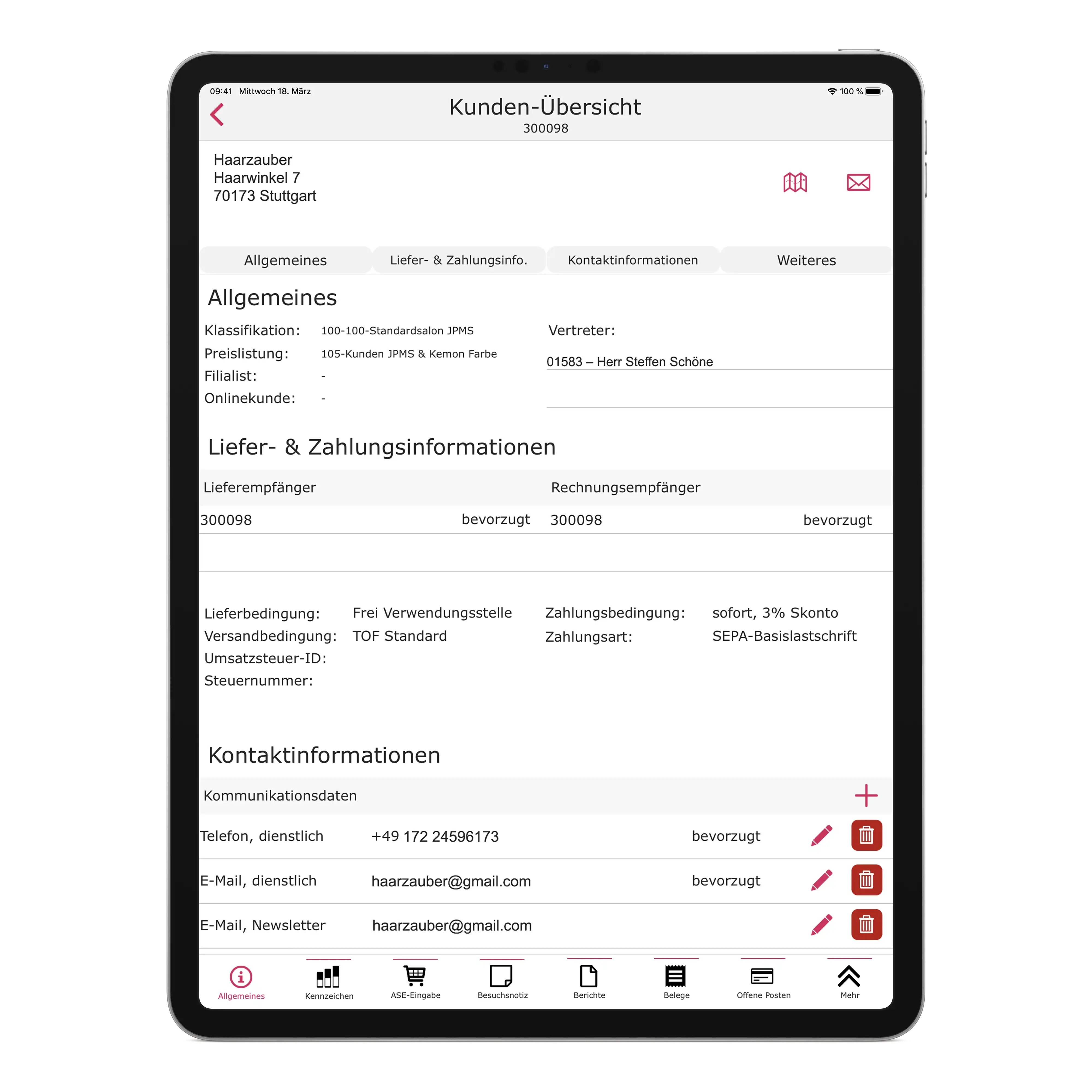
Appointments, documents, spare parts – all relevant information and data for sales success are available on mobile devices directly at the customer site.
Customer information, order data, and financial information at a glance
Create visit reports directly on mobile devices
Retrieve and place orders on the go
Integration with ERP and CRM systems as well as financial accounting
Reduced workload for inside sales through direct integration with Comarch ERP Enterprise
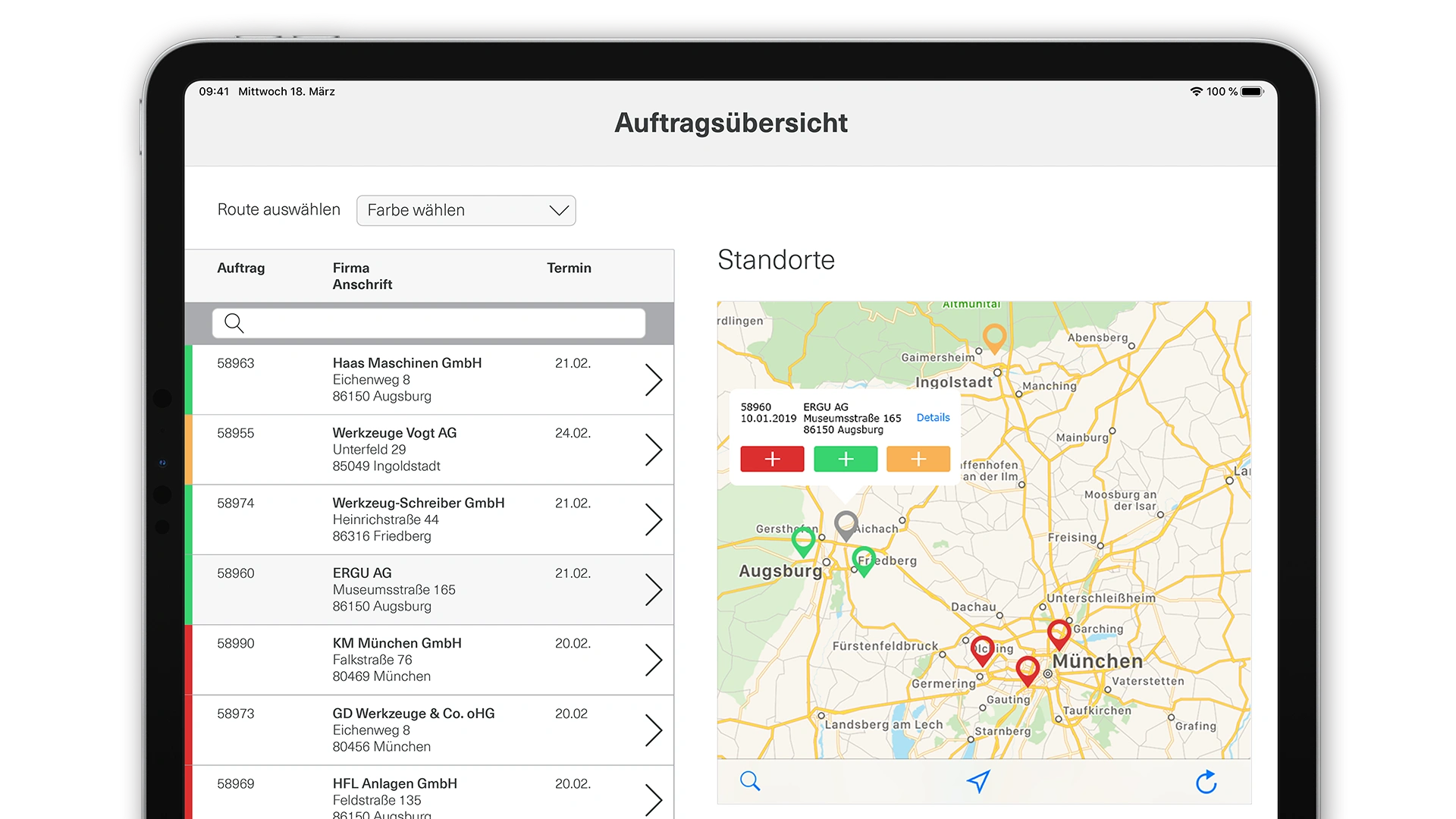
Tablet view of a Comarch ERP service app showing service orders, appointment overview, and map view for mobile field service
Retrieve and process service orders on mobile devices
Capture and process spare parts and follow-up orders directly on site
Digital service confirmation with customer signature
Automatic synchronization with Comarch ERP
Offline capability for service operations without network coverage
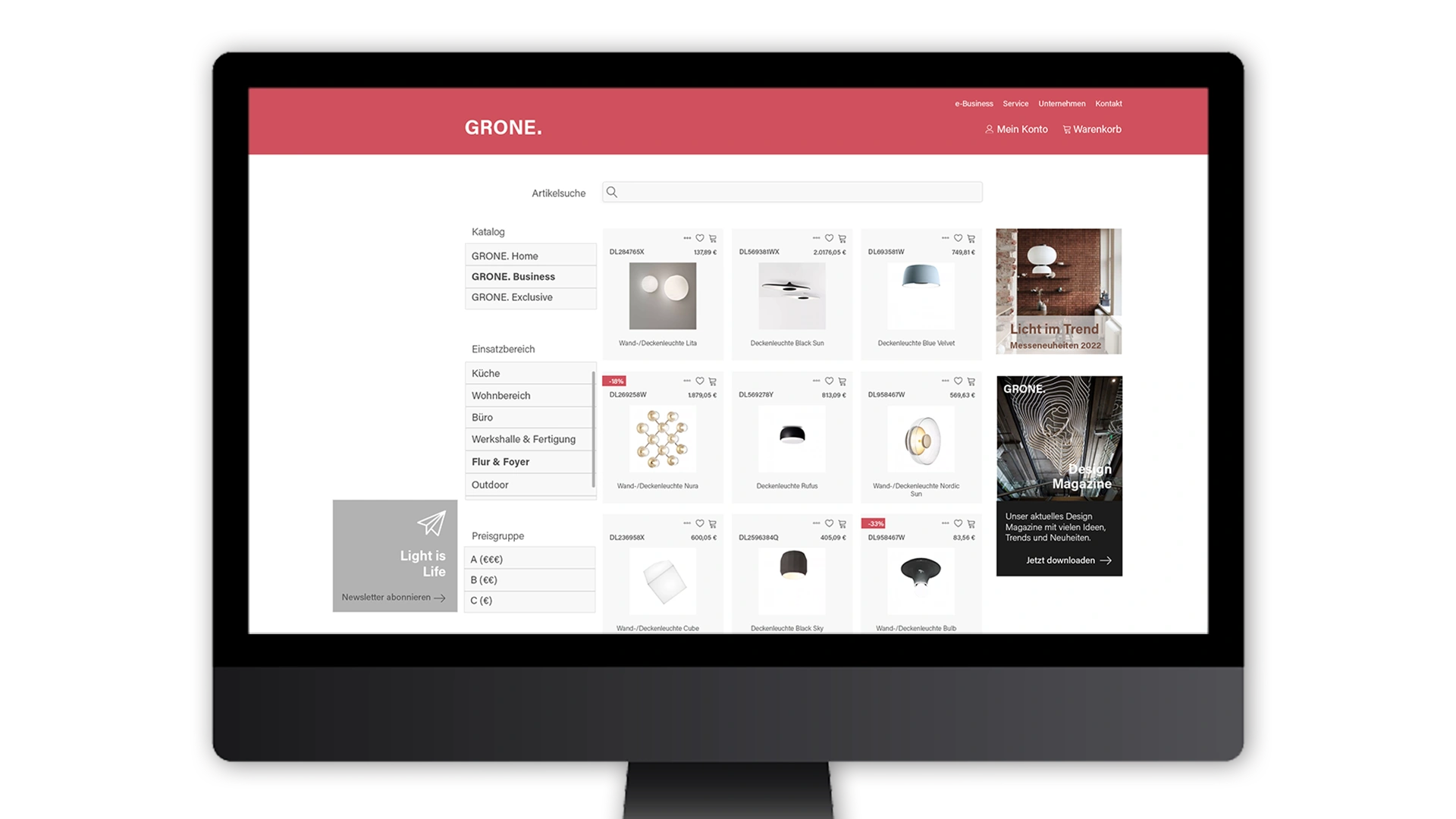
With engomo, companies develop high-performance and fully customizable web shops and B2B portals. Using low-code technology and seamless integration with Comarch ERP Enterprise, modern, scalable, and efficient digital business processes are enabled.
Top performance, even with very large data volumes
Responsive design for optimal use on all devices
Comarch integration for end-to-end, media-break-free processes
Flexible pricing logic for individual customer- and product-specific prices
Your Added Value with engomo for Comarch ERP Enterprise
Fast & Flexible Customization
Business departments can design and adapt processes themselves – without deep intervention in Comarch ERP and without long development projects.
Controlled Low-Code Instead of Wild Growth
No shadow IT thanks to clear governance and a clean separation of ERP logic and user interface.
Practical for IT & Business Departments
Customizations remain maintainable, versioned, and upgrade-safe – even across Comarch ERP releases.
Built for Everyday Practice
Fast iterations, fewer coordination loops, and solutions that work reliably in daily operations.
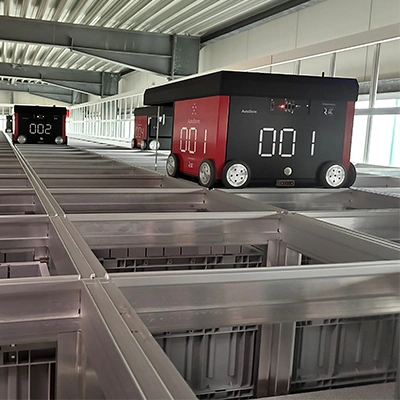
engomo Connects ERP with AutoStore™ at RIMPLER COSMETICS
Discover how RIMPLER COSMETICS connects and controls its AutoStore™ system and ERP using low-code apps from engomo.
From Production to Tasting
Learn how KADI AG ensures quality at every level using low-code solutions.

Mobile Sales Files at Wild Beauty
Thanks to the use of an engomo app, Paul Mitchell hair salons are optimally supported in daily operations.