Mobile & Web Applications
One platform. All touchpoints.
Native mobile apps and responsive web applications for end-to-end business processes – from the shop floor to the office, from employees to customers.
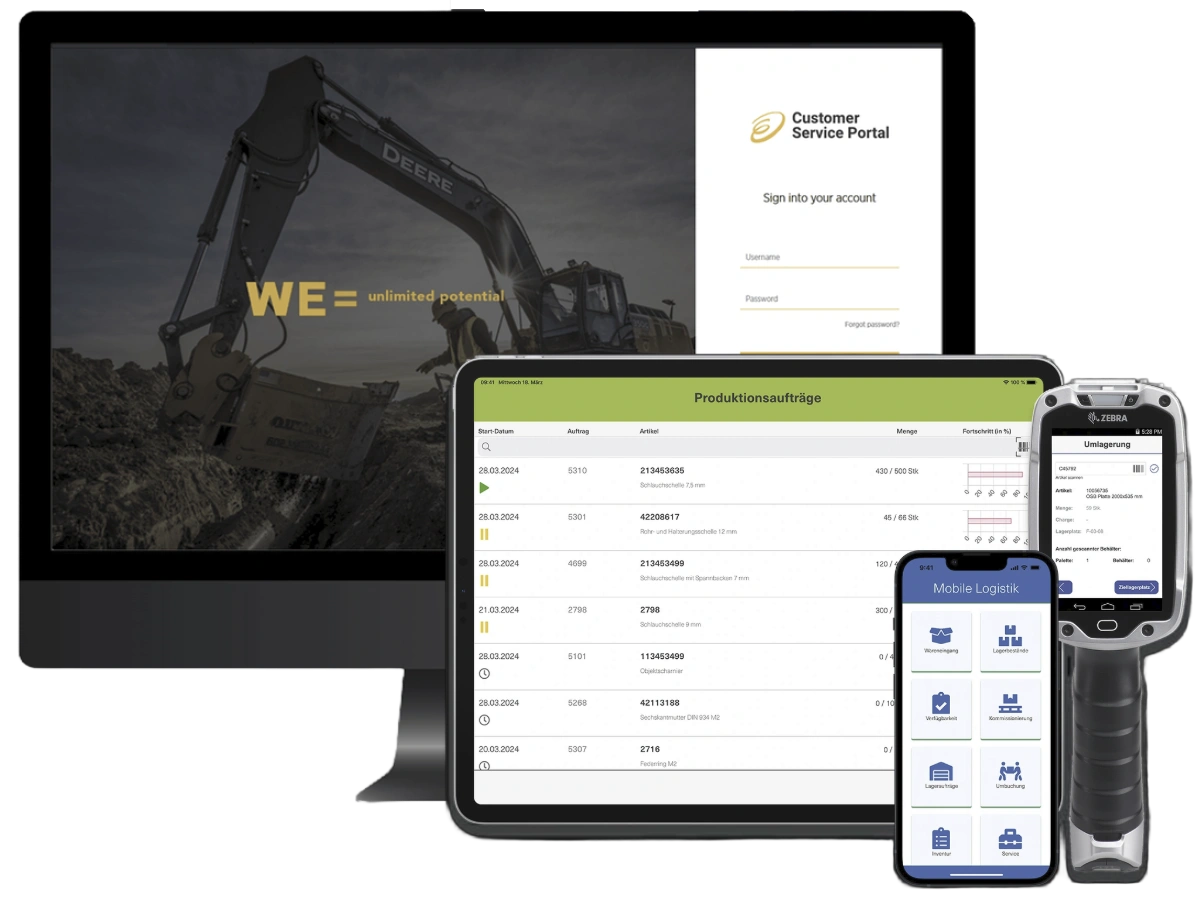
With engomo, you can build native mobile apps and responsive web applications on a single platform. Bring your business processes to smartphones, tablets, and industrial scanners—or directly to the browser—fully integrated with your existing enterprise IT.
Seamless Processes—Mobile and Web-Based
Whether in production and the warehouse, on the road providing service, or at your desk in the office: With engomo, you can deliver applications exactly where they’re needed in the process. For each process, you choose the delivery channel that best suits your users, devices, and requirements.
Prompt your enterprise app!
Create integrated applications yourself in no time with AI-powered app building.

iOS, Android, and Windows
Online and Offline Use
Barcode and Document Scanning
Camera and OCR
RFID/NFC
Push Notifications
Digital Signatures
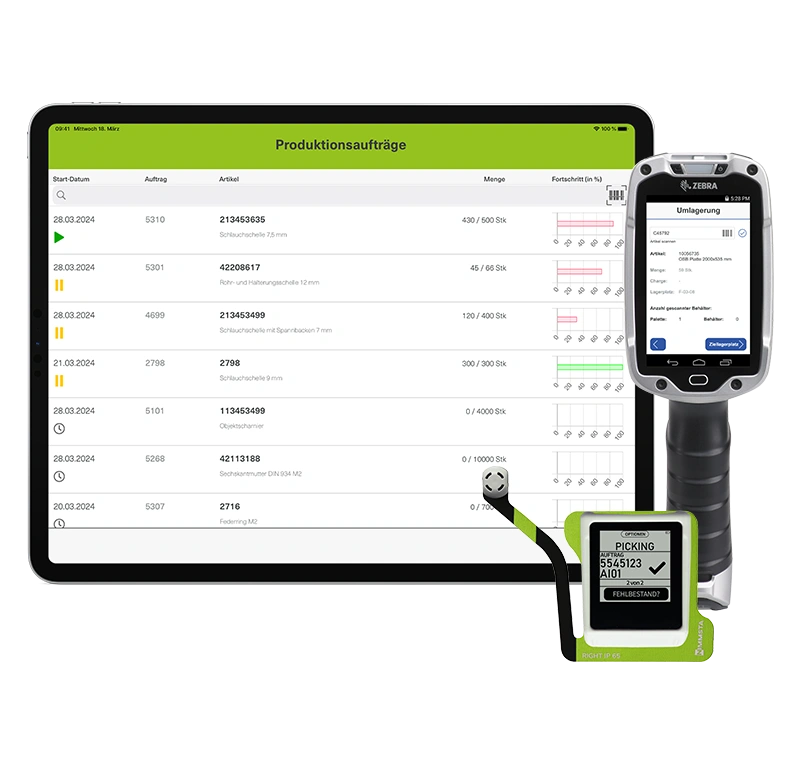
Optimized for scanners and mobile devices
For all departments!
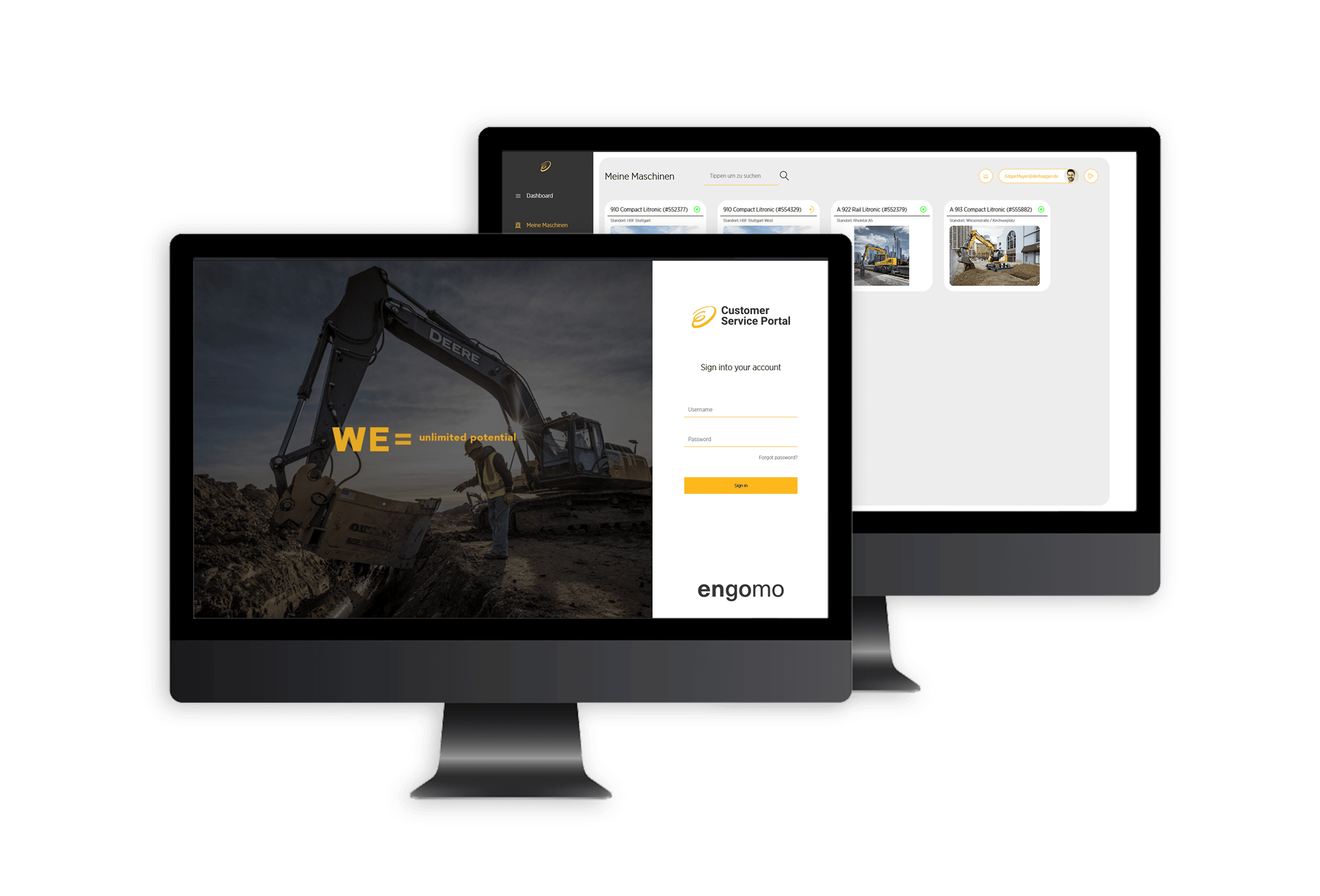
With our industrial application platform, you can digitalize your business processes – with custom-built enterprise apps, B2B stores, and portals.
Available directly in the browser
Responsive for different screen sizes
Flexible Layouts and Viewpoints
Custom Design
No app installation required
Ideal for desktop applications
With native engomo apps, information and features are available to all business units and target groups exactly where they are needed. Whether in production, logistics, service, or field operations: data can be captured, processed, and written back to connected systems directly within the workflow—even in locations without a stable network connection.
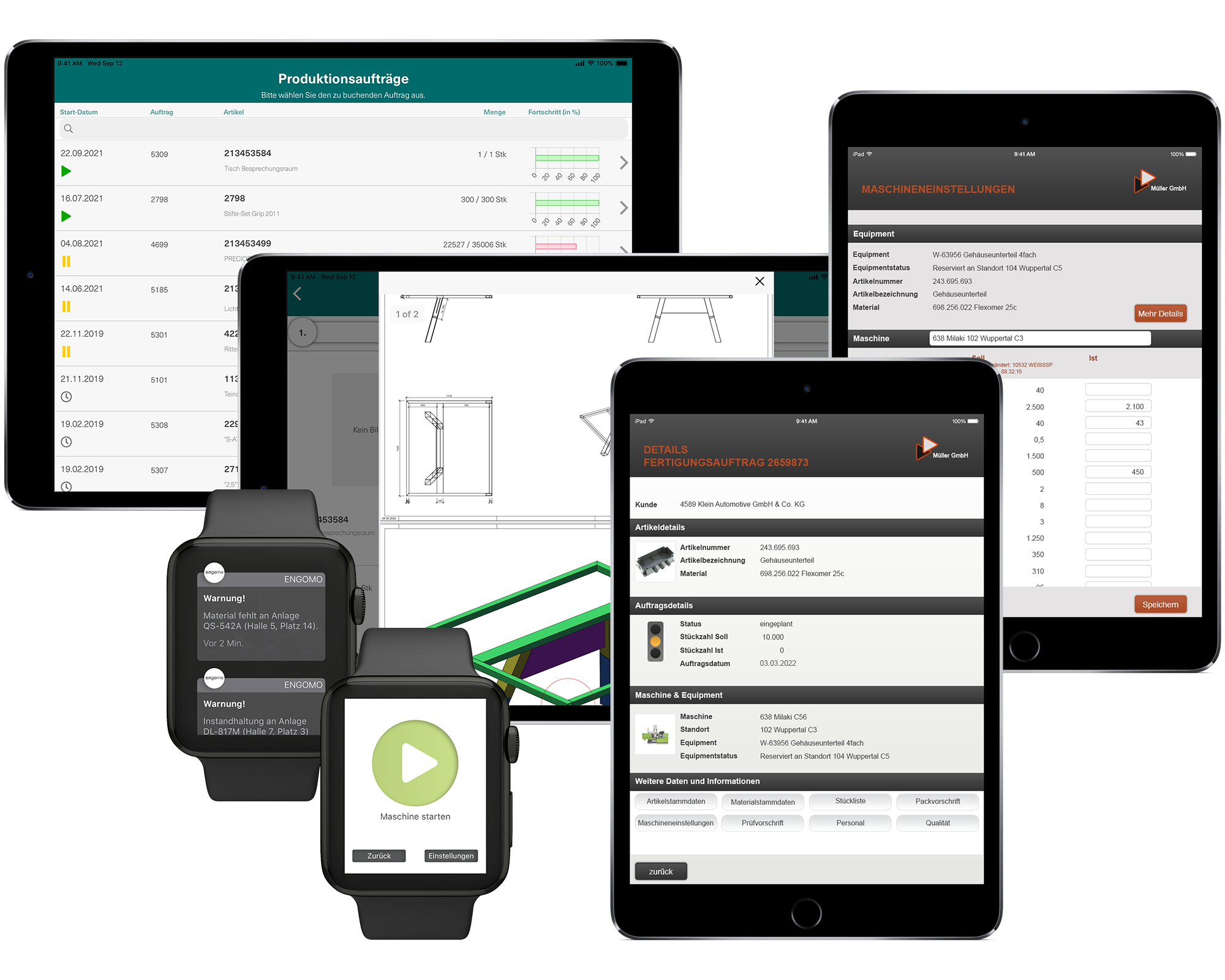
Enhance your apps with high-performance features specifically designed for mobile enterprise scenarios:

engomoBarcode
Integrated barcode scanner for mobile barcode scanning using a mobile device's camera, e.g., in warehouses and production facilities.

engomoCam
Using a mobile device's camera to upload photos (e.g., for documentation in quality assurance) and to scan documents.
engomoGeo
Generates the corresponding location data from address data, displays it on a native map, and links it to information.

engomoDraw
Allows you to add notes and drawings to an image within the app, such as for documenting defects.
engomoSign
Signature field for use in mobile applications where users confirm a transaction with their signature, e.g., when confirming an order.

engomoPush
Push notifications on mobile devices and desktops for specific events to ensure minimal response times.

engomoOCR
Enables client-side reading of character strings using the device's camera, e.g., for scanning serial numbers.

engomoRFID/NFC
Automatically captures data via RFID/NFC using a mobile device equipped with a compatible reader by simply holding the device up to items equipped with RFID/NFC tags.
engomoOffline
With engomo, your apps work even where a stable connection isn't available. This applies to both full offline mode (all data available offline, automatic synchronization when connected) and selective offline mode (load specific data in advance, manual synchronization—ideal for large amounts of data).
engomoDrag&Drop
An interactive feature in apps that allows users to move elements from one area to another using a mouse or touch gesture. This method is often used to flexibly arrange or restructure content.
engomoDocScan
This feature lets you easily upload documents to engomo. It automatically detects the page margins, crops the photo, and optimizes the contrast. You can also combine multiple pages into a single PDF.
With engomo, you can build browser-based applications for a wide range of business areas and target groups—from internal business apps to portals and B2B web stores for customers, retailers, and suppliers. The applications are available directly in the browser without any installation and seamlessly access data and processes from your connected systems.
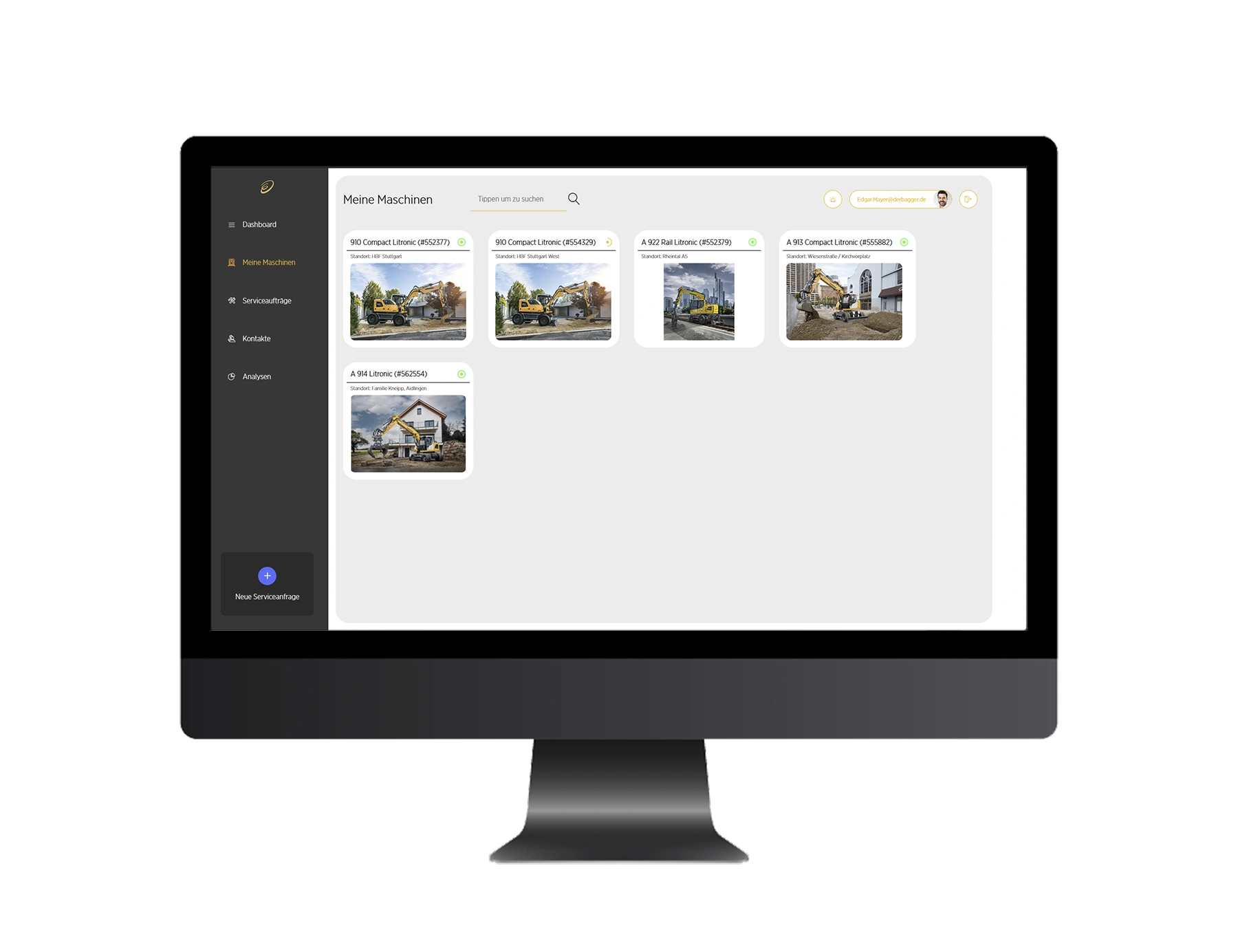
Enhance your apps with high-performance features specifically designed for mobile enterprise scenarios:

Enterprise Apps
Web-based solutions for specific needs, such as:
Project Management & Document Approval
Error & Deviation Management
Billing & Document Generation
Task Management & Knowledge Management
Micro Apps
Small, lightweight web apps for specific tasks, such as:
Approval Workflows
Travel Expense Submission
Master Data Maintenance in the Production Process
Product Data Retrieval
Claims Reports
B2B E-Commerce & Online Stores
Integrated, high-performance, and customized e-commerce solutions. engomoWeb reduces complexity—and speeds up your time to market.
Customized prices, data, and items directly from the ERP system
Huge product portfolios available in the blink of an eye
Optimal Usability & Responsive Design
Lower project costs
Customer, Dealer, and Supplier Portals
Simple user guidance meets maximum data integration. Flexibly designed self-service portals with deep backend access:
Personalized content, synchronized directly with your system
Data Entry & Editing with Direct Update
Ideal for integration with online stores or as a standalone customer portal
Existing Apps
All engomo apps that have already been created can be used immediately in a browser—without any additional development effort. Only native features such as the camera, barcode scanner, or NFC are available exclusively in mobile apps.
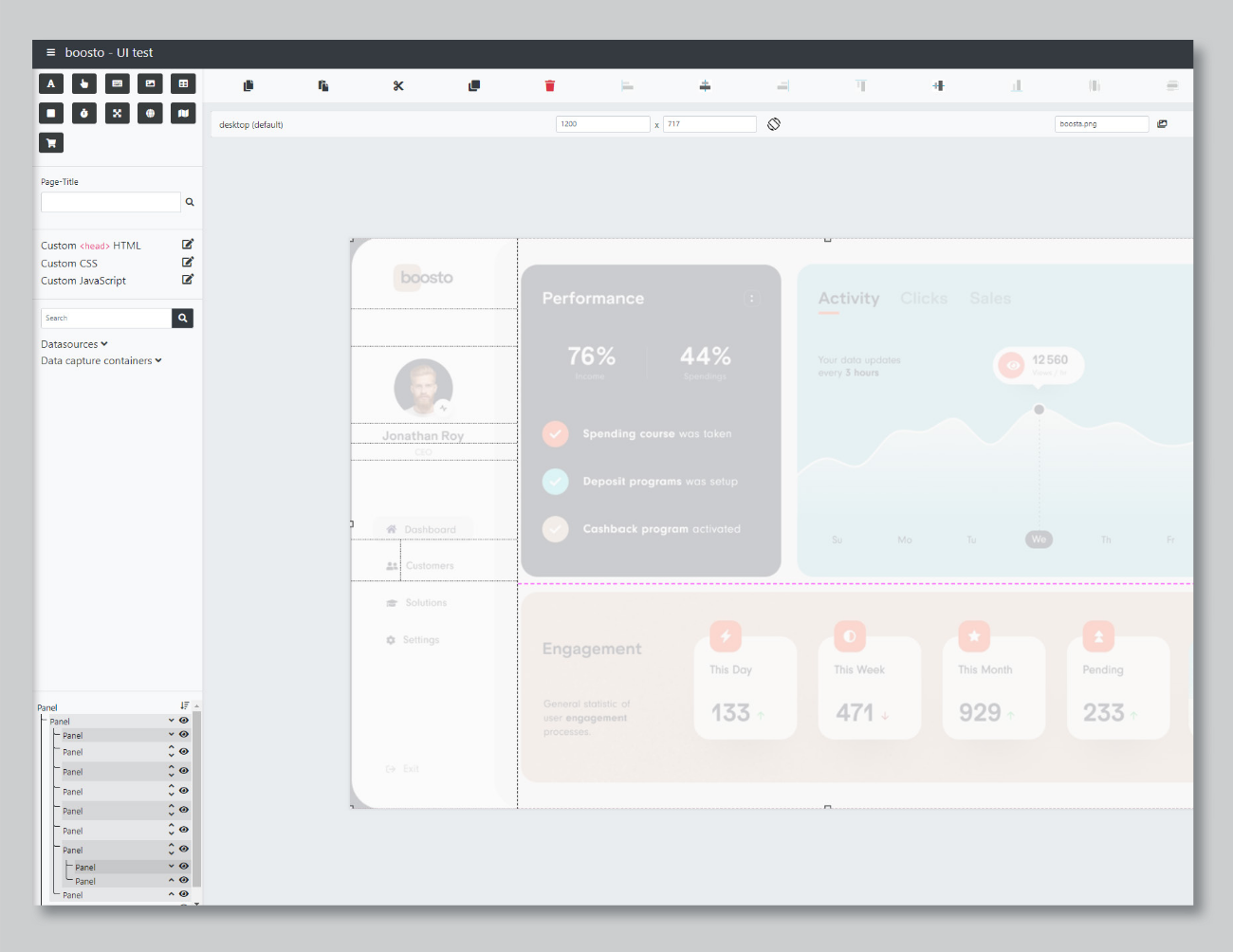
With Flex Layouts, engomo offers comprehensive layout features to design applications that are precise and responsive for web use on all devices:
Automatically scalable: Content adapts flexibly to the screen size—whether on a desktop, laptop, or tablet.
Custom Viewports: Different layouts for different device types—tailored to meet specific needs.
Systematic Design: LayoutHelper supports structured implementation using visual templates.
Complete design freedom: Customizations using CSS, HTML headers, and custom URLs provide maximum design flexibility.

Production
Production control, shop floor data collection, machine control – Industry 4.0 via app.

Warehouse & Logistics
Order picking, inventory, and goods movements – control warehouse operations efficiently via app.

Quality Management
Inspection orders, inspection drawings, and reports – efficient, paperless quality management via app.

Sales & mobile CRM
Customer data, order entry, visit reports – information available anytime, anywhere.

Customer Service
Appointments, documents, spare parts – all information and data for perfect customer service, always at hand on the go.

Portals and B2B webshops
Portals and B2B webshops – central tools for efficient business processes and closer customer relationships.
Native and Mobile Apps with engomo
Book your 35-minute live demo
Talk to us about your specific needs
Examples of Custom App Solutions
Answers to your specific questions

First name
*
Last name
*
Company
*
Business email
*
Phone number
*
Which topics are particularly important to you?
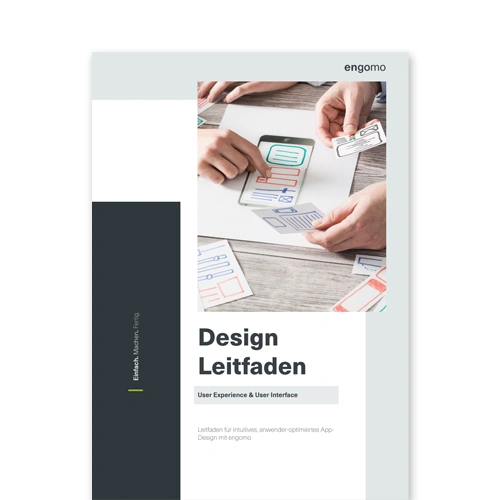
Find out how to achieve optimal usability in your apps with engomo – in our step-by-step guide.
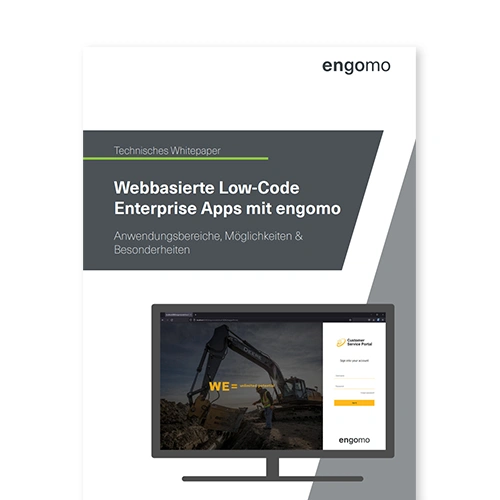
White Paper: Web-Based Low-Code Enterprise Apps with engomo
Close digitalization gaps efficiently and precisely: With engomoWeb, create custom web apps for processes, tasks, and portals – directly from the low-code toolkit, fully integrated into your company’s IT.
Design Guide: Optimal User Interfaces with engomo
Learn how to create intuitive, user-optimized app designs with engomo. Download the guide now and get started right away.